Code where code lives
Hand off a review, trace an error, or run a command from the editor and terminal context already in front of you.
The ergonomic way to use AI agents
Detach is a native macOS harness for the AI agents you already use, helping you carry context across tasks, access their tools, and manage workflows without constantly switching apps.
Download for macOS










A single harness for
50 million Mac users.
Start from any text, file, browser tab, or app—then let your agent code, research, or automate.
Use the agents already on your Mac, or add only the Detach-hosted credits you want.
Save a proven prompt as a reusable action, then run it again with the right context and tools in one step.
Select text from any app, then turn it into an action you can run again: chat, remember it, or ask Detach to explain it.
A credential boundary
for your agents
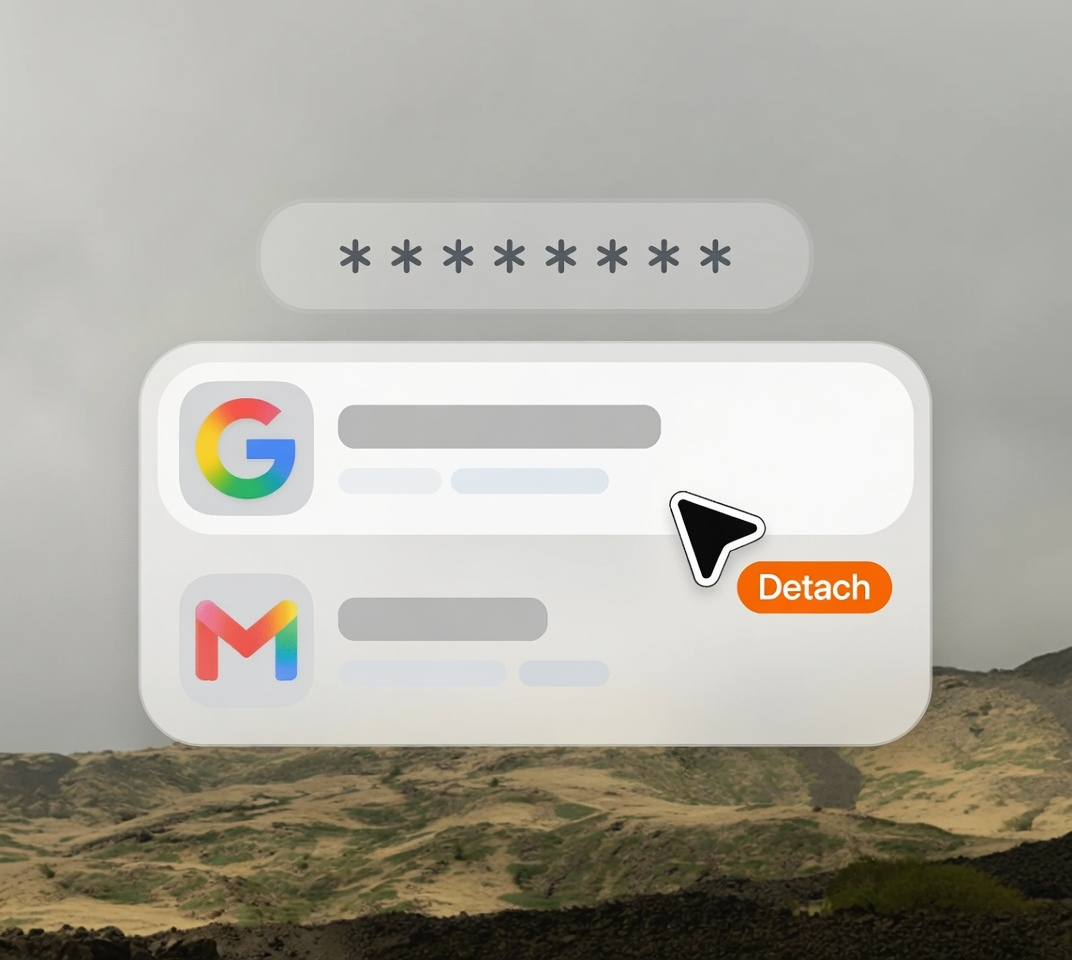
Detach lets agents complete authenticated work without gaining access to your passwords. Credentials stay in macOS Keychain, and every secure fill requires your approval.
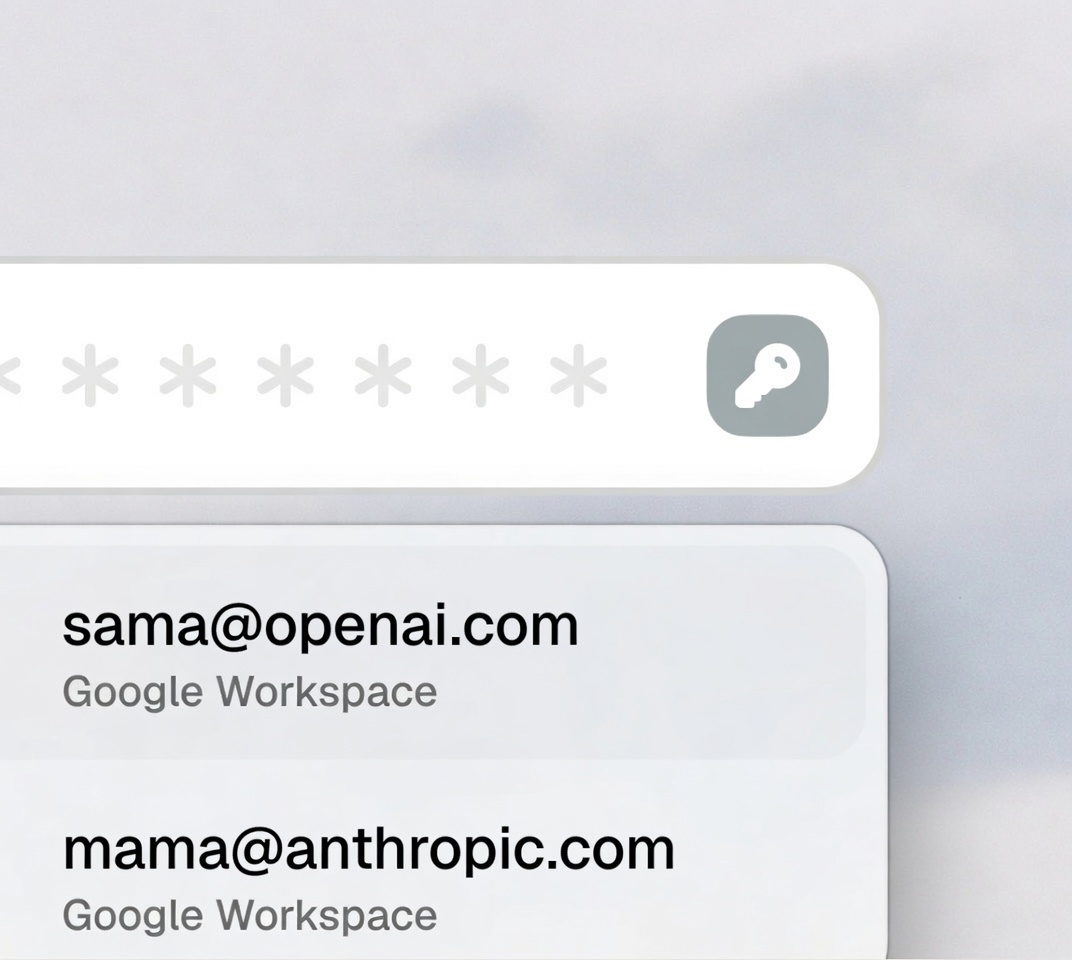
Passwords never enter model context. Detach fills the verified website fields without exposing credential values to the agent.
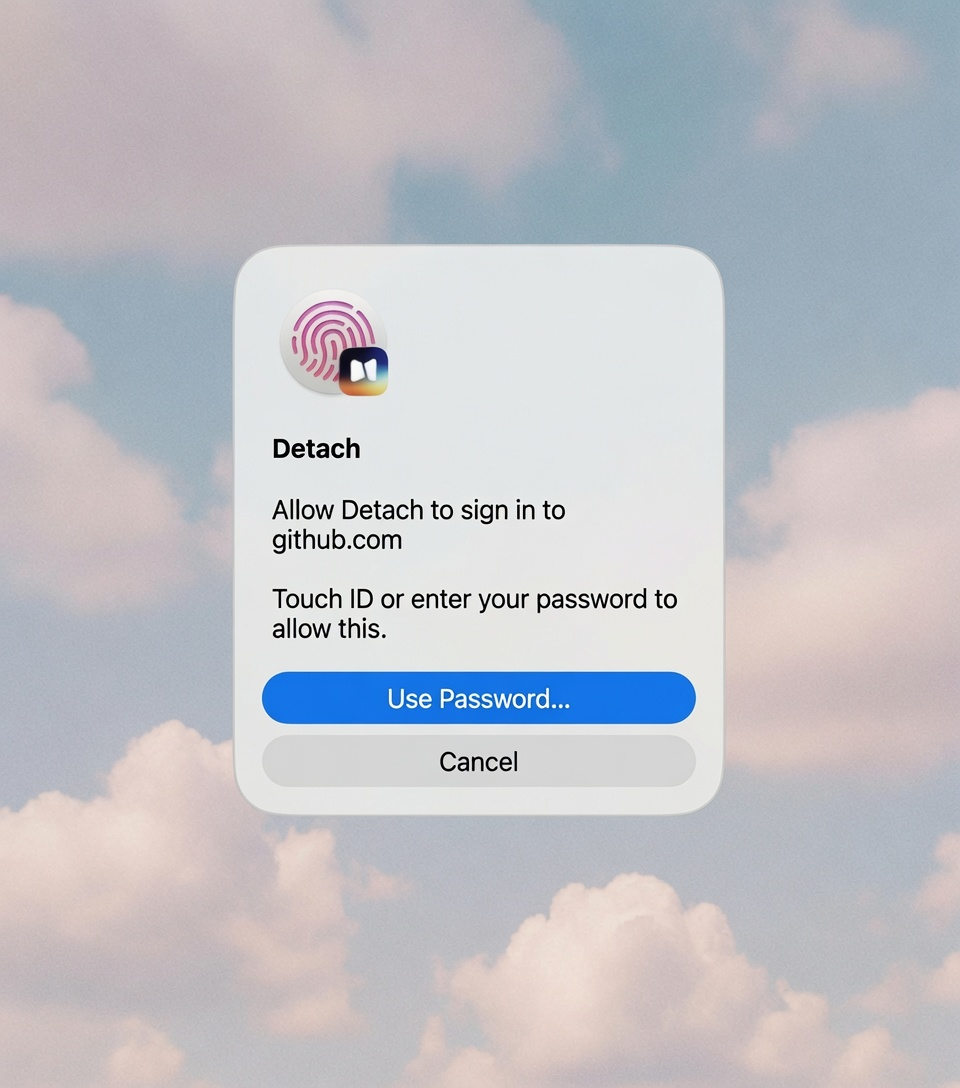
Touch ID gates every secure fill. The agent can request access, but you approve the use of each saved credential.
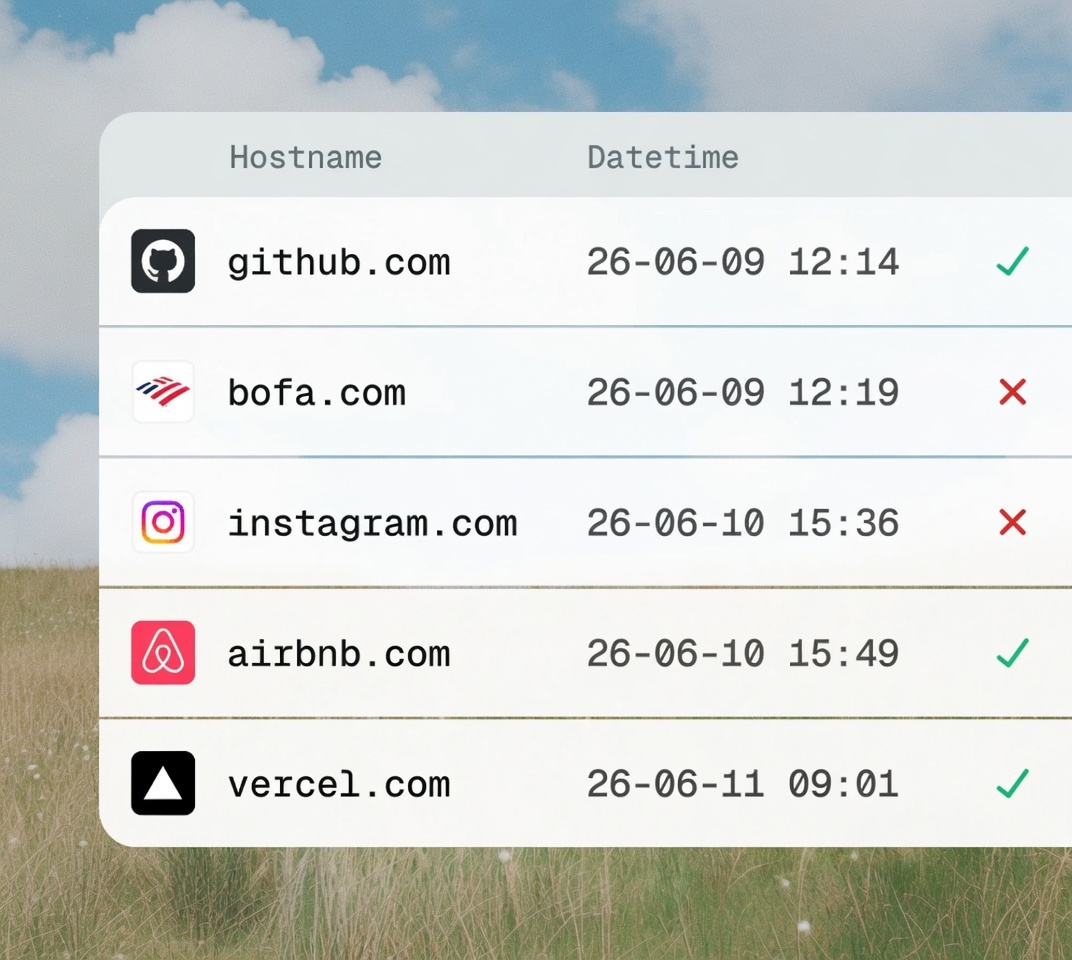
Every access leaves an audit trail. Review which credential was used, for which site, and as part of which task.
Keychain-held credentials
Credential values remain in macOS Keychain. Detach stores only encrypted local metadata and audit records.
Scoped access and audit log
The agent requests a credential for a specific site and task. You can see what it used, when, and why.
Detach turns the Mac into an ergonomic control surface for any agent—so your context, integrations, and running tasks stay close to the work, not trapped in a chat app.
Hand off a review, trace an error, or run a command from the editor and terminal context already in front of you.
Research, navigate, and complete work in the Chrome profile you already use—without moving between another AI tab and your work.
Invoke Detach from selected text, files, or an app, then let the agent work across the windows and tools on your Mac.
Give an agent the integrations, skills, browser, and desktop capabilities a task needs—without turning your workspace into a plugin dashboard.
Save the context and capabilities behind work that succeeds, then relaunch it as a Quick Action instead of rebuilding the process.
Detach each task into the notch, see live activity and approvals at a glance, and keep working while multiple agents move jobs forward.
Everything you need to know before giving Detach a place in your daily Mac workflow.
Detach is the ergonomic way to use AI agents across your Mac. It is a command surface for work already in front of you—not another chat workspace with tabs, sidebars, and a history you have to manage.
Chat apps make you bring the work to the agent. Detach lets you invoke the agent from the work itself, carrying the relevant text, files, browser tabs, and app context without the copy-paste loop.
Detach supports the local agents you already use, including Codex, Claude Code, and Grok. Kimi, GLM, Gemini, and more agent runtimes are planned next.
Yes. Browser tasks can use your existing Chrome profile, so the agent can work with the sites and sessions you have explicitly connected.
Yes. Detach can give a task macOS capabilities for working across native apps, windows, controls, shortcuts, and files when you allow it.
Invoke Detach from anywhere with its shortcut, or start from selected text or files. The task keeps that context and can continue in the notch after you close the composer.
Yes. Closing the composer detaches the task into the notch, where you can see its current activity, tool use, and approvals without babysitting another window.
Yes. Each task gets its own detached run, so you can launch work in parallel and use the notch to monitor or reopen the task that needs you.
Yes. Detach can attach the MCP servers, installed skills, browser, desktop, and credential capabilities a task needs, including access to 800+ MCP servers.
Yes. Workflows and Quick Actions let you package a repeatable instruction with the capabilities it needs and launch it again in one step.
No. Saved credentials remain in macOS Keychain. Secure fill requires your device approval and places a credential only in the verified login field.
No. Keep using the model subscriptions and local agent CLIs already on your Mac, or add only the Detach-hosted credits you want.
Yes. Tasks keep structured activity and results, and sensitive access is recorded so you can review what happened and why.
No. Coding is one use case. Detach is built for browser work, operations, research, support, personal productivity, and the rest of your Mac workflow.